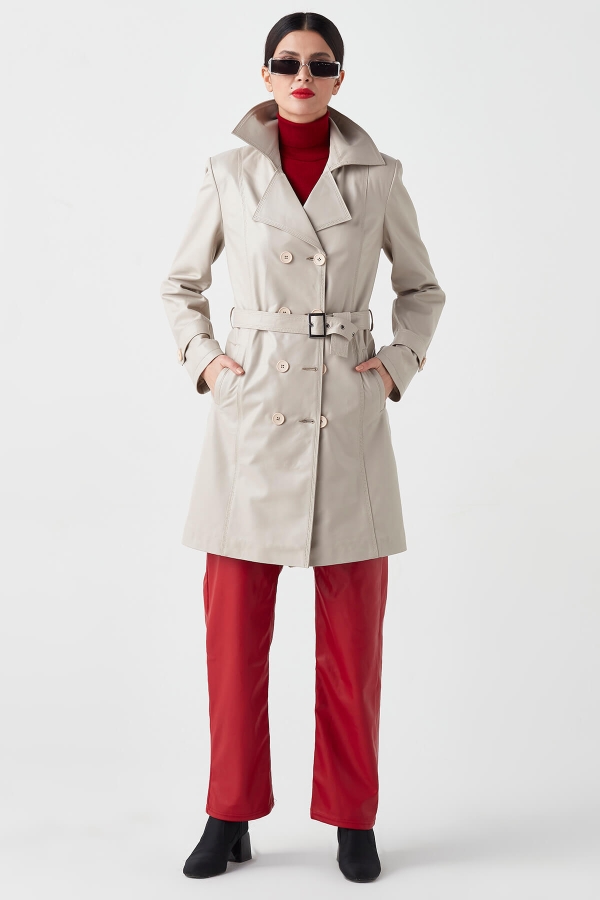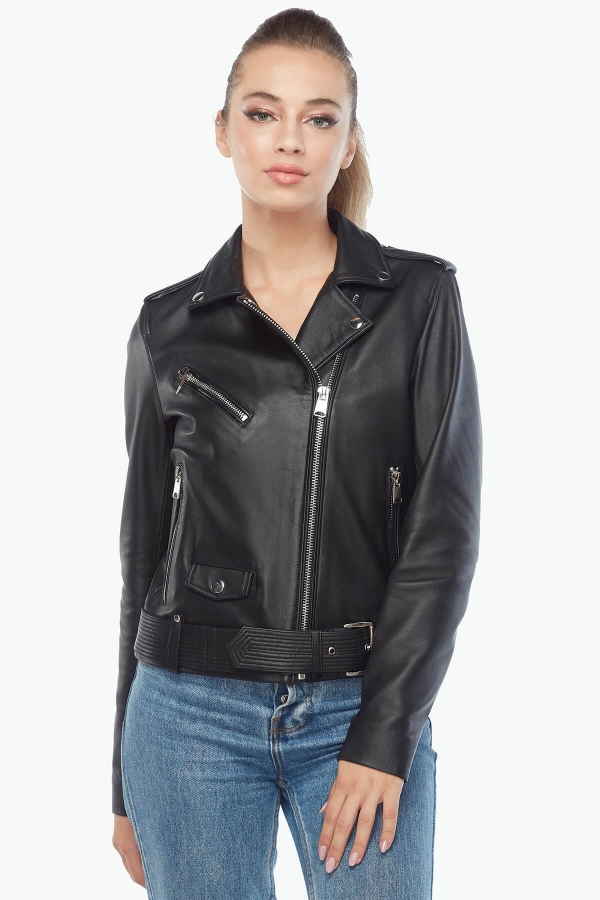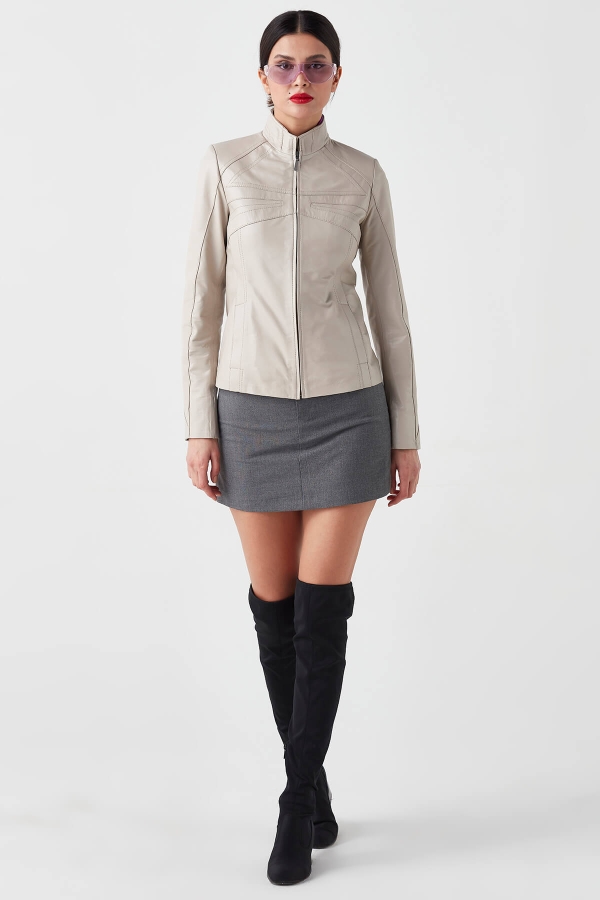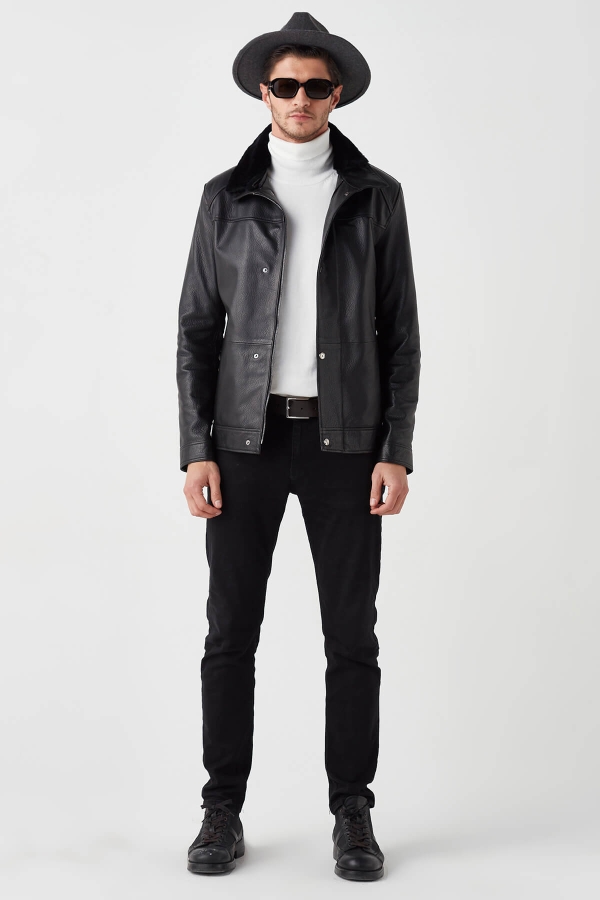
How Can I See a Leather Jacket on Myself? Deriza Try It On
When shopping online, finding a leather jacket you like is easy. Visualizing how its overall style might look on you, however, can be more difficult.
Deriza Try It On is an AI-powered feature that helps you visualize supported leather jackets and leather garments on your own photo.
After you upload a suitable photo, the system creates an AI-generated visualization of the selected product on your image, giving you a preview of its overall style and appearance.
Where Can I Find Try It On?
On supported products, Try It On appears on the product page near the color and size selection area.
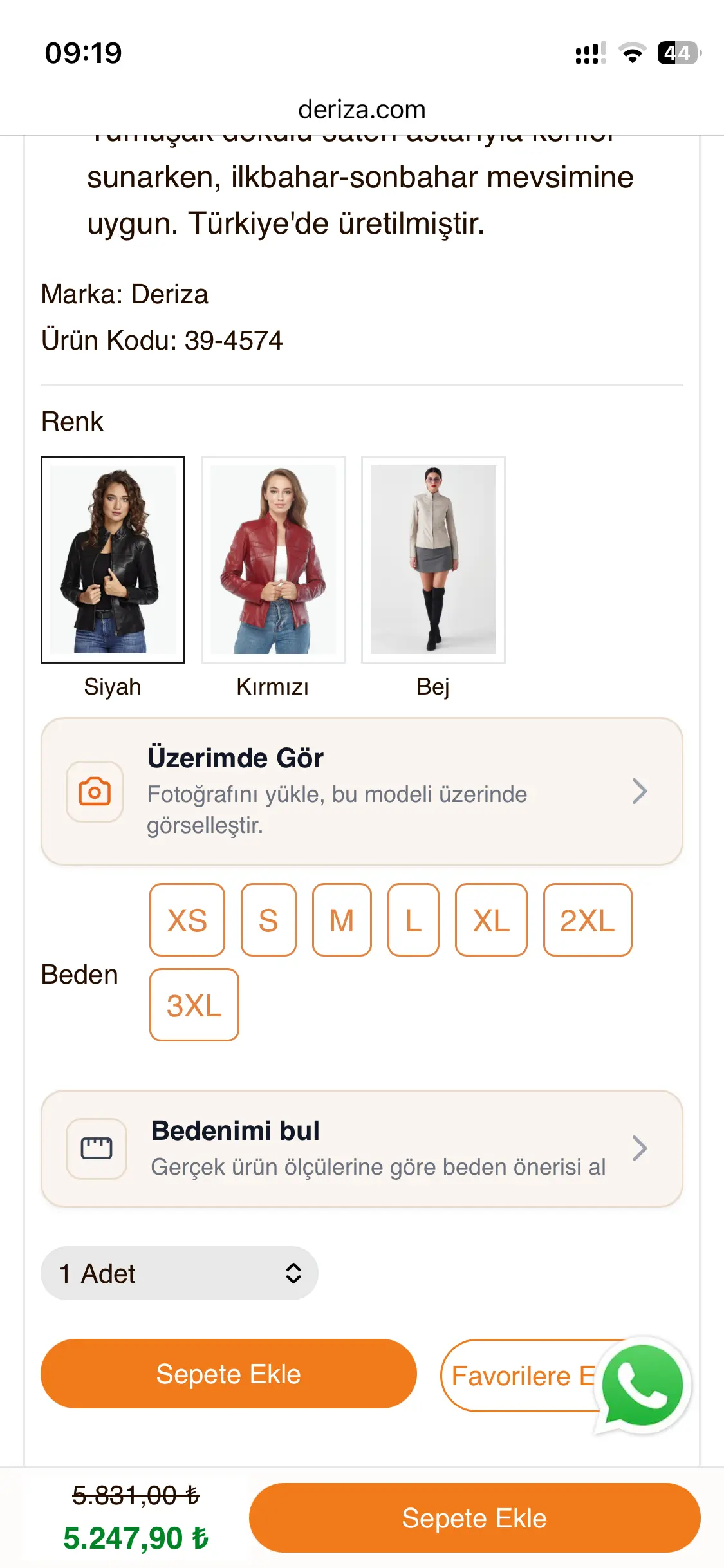
The two features serve different functions:
- Try It On: Uses AI to visualize the selected product on your own photo.
- Find My Size: Evaluates the information you provide together with the actual physical measurements of the product to provide a size recommendation.
Therefore, liking how a jacket looks in a Try It On visualization does not determine which size you should purchase.
How Does Deriza Try It On Work?
The process consists of three basic steps:
1. Upload Your Photo
Open Try It On from the product page to access the photo upload screen.
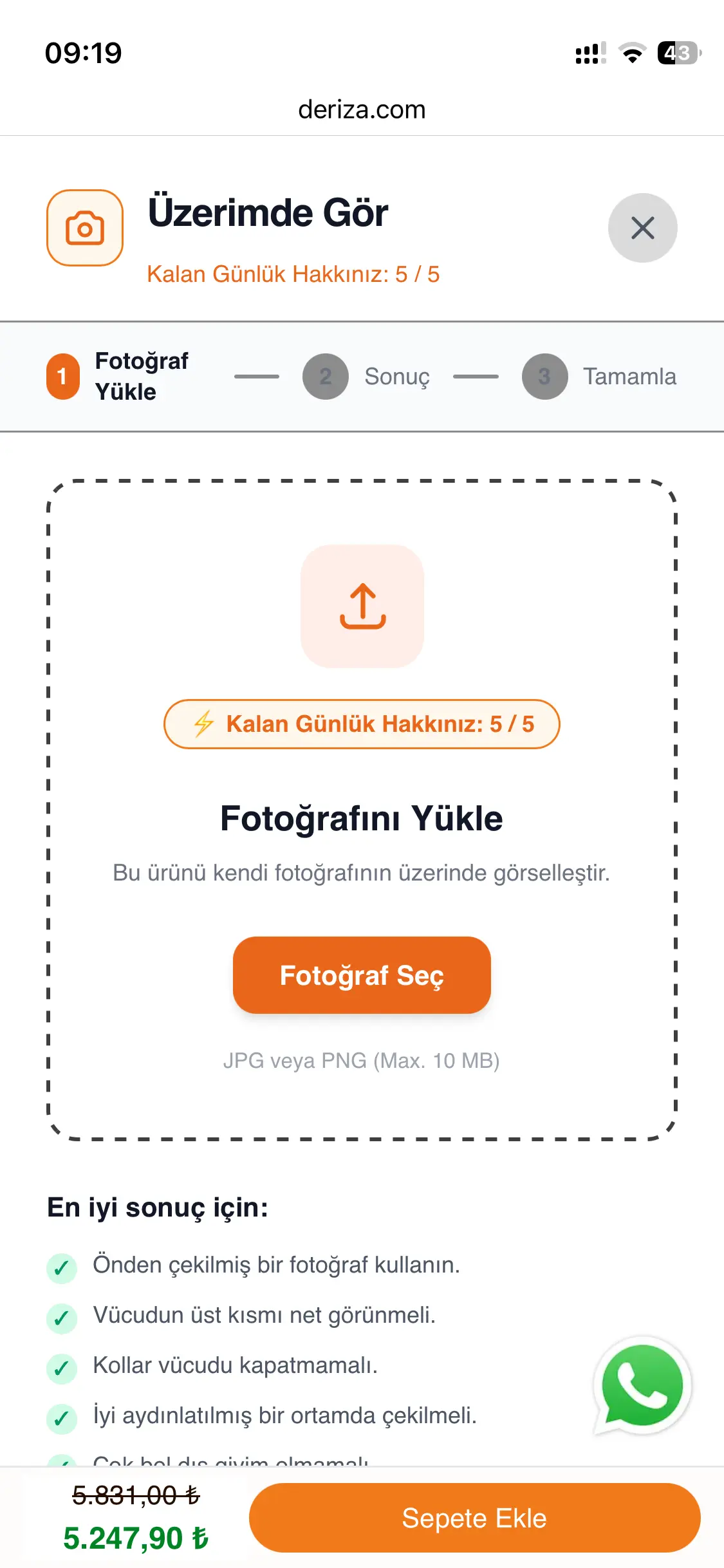
Use the photo selection button to choose an appropriate image from your device. The interface also provides guidance that can help improve the visualization result.
What Kind of Photo Should You Use?
The quality of the visualization can be affected by the photo you upload. For a better result:
- Use a photo taken from the front.
- Make sure your upper body is clearly visible.
- Try not to cover your torso with your arms.
- Use a photo taken in good lighting.
- When possible, avoid very loose clothing that significantly hides the body's general outline.
The purpose is not to calculate your body measurements from the photo. These recommendations simply help the AI create a clearer visualization of the selected product.
2. AI Creates the Visualization
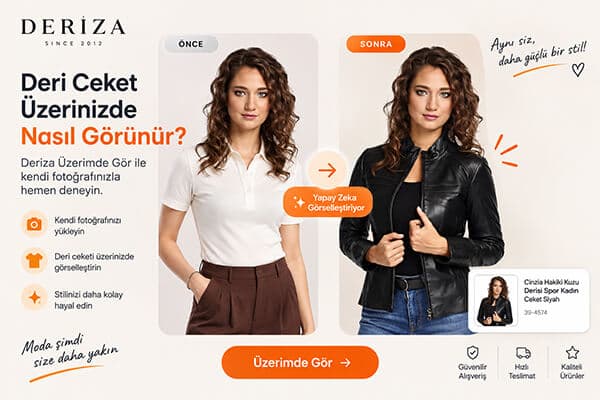
In this example, the following original photo was uploaded to Try It On:
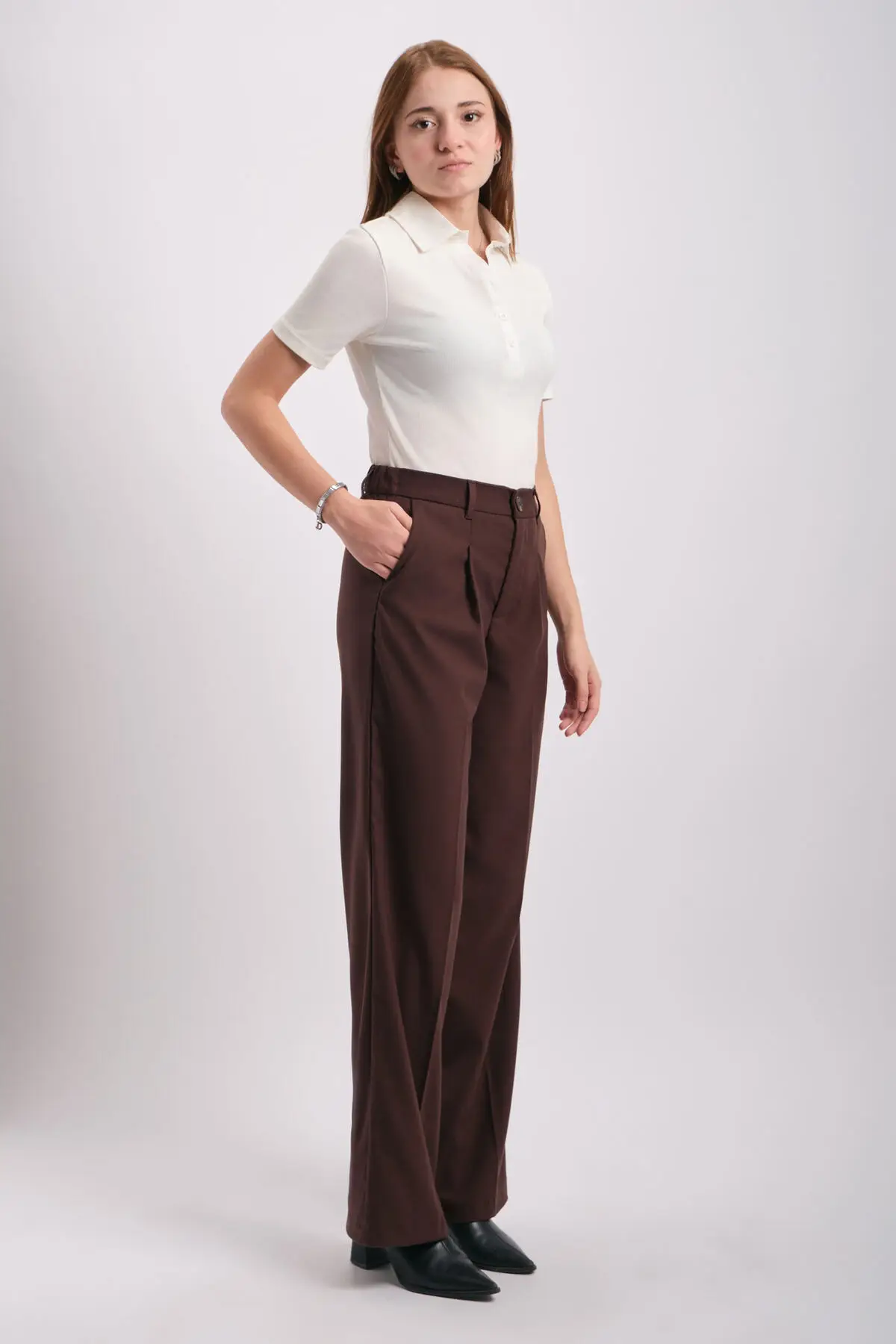
In the original image, the person is wearing a white top and brown trousers. The selected product for visualization is a black leather jacket.
Once the photo is submitted, the AI visualization process begins.
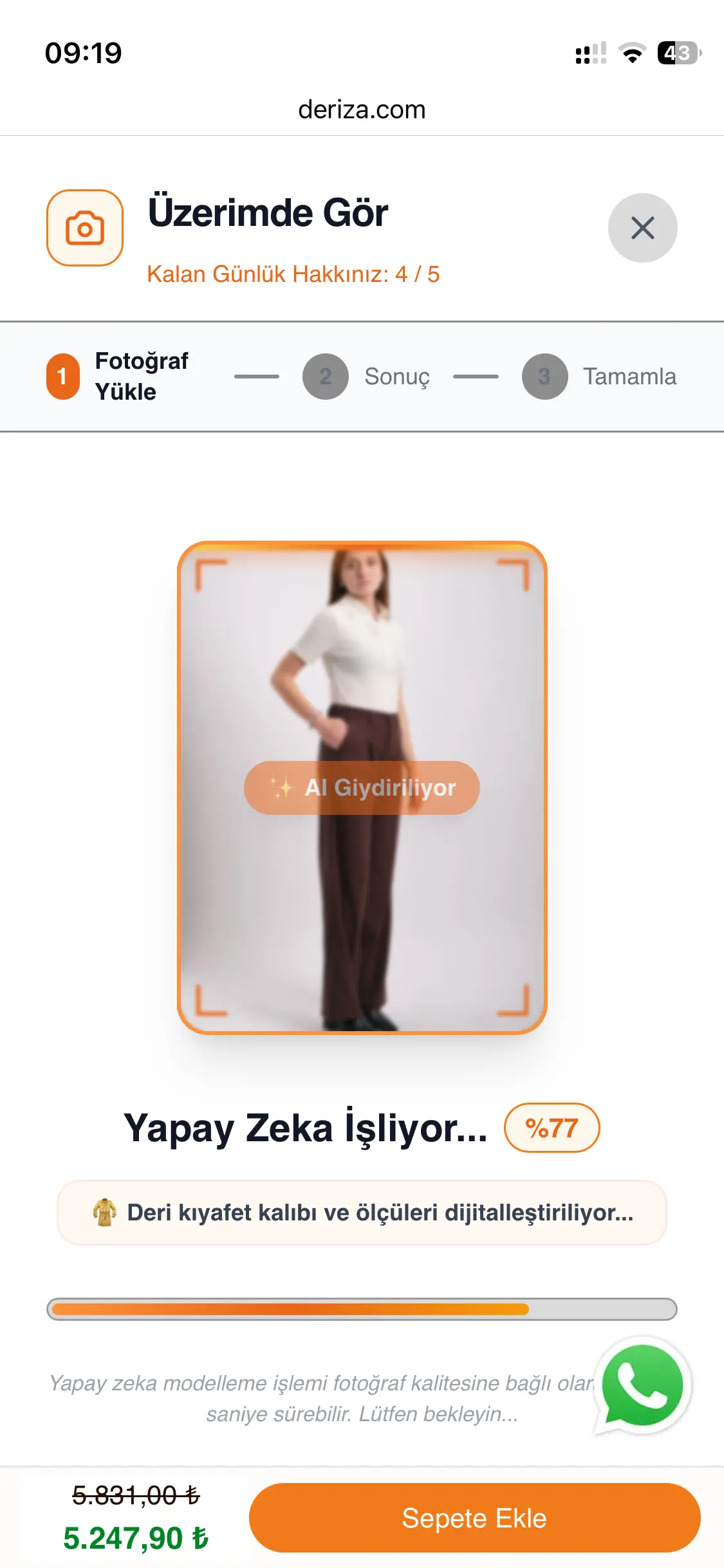
Processing time may vary depending on the photo and current system conditions.
3. See the Leather Jacket on Your Photo
Once processing is complete, the AI-generated result is displayed.
In our example, the selected black leather jacket is visualized on the uploaded photo as follows:
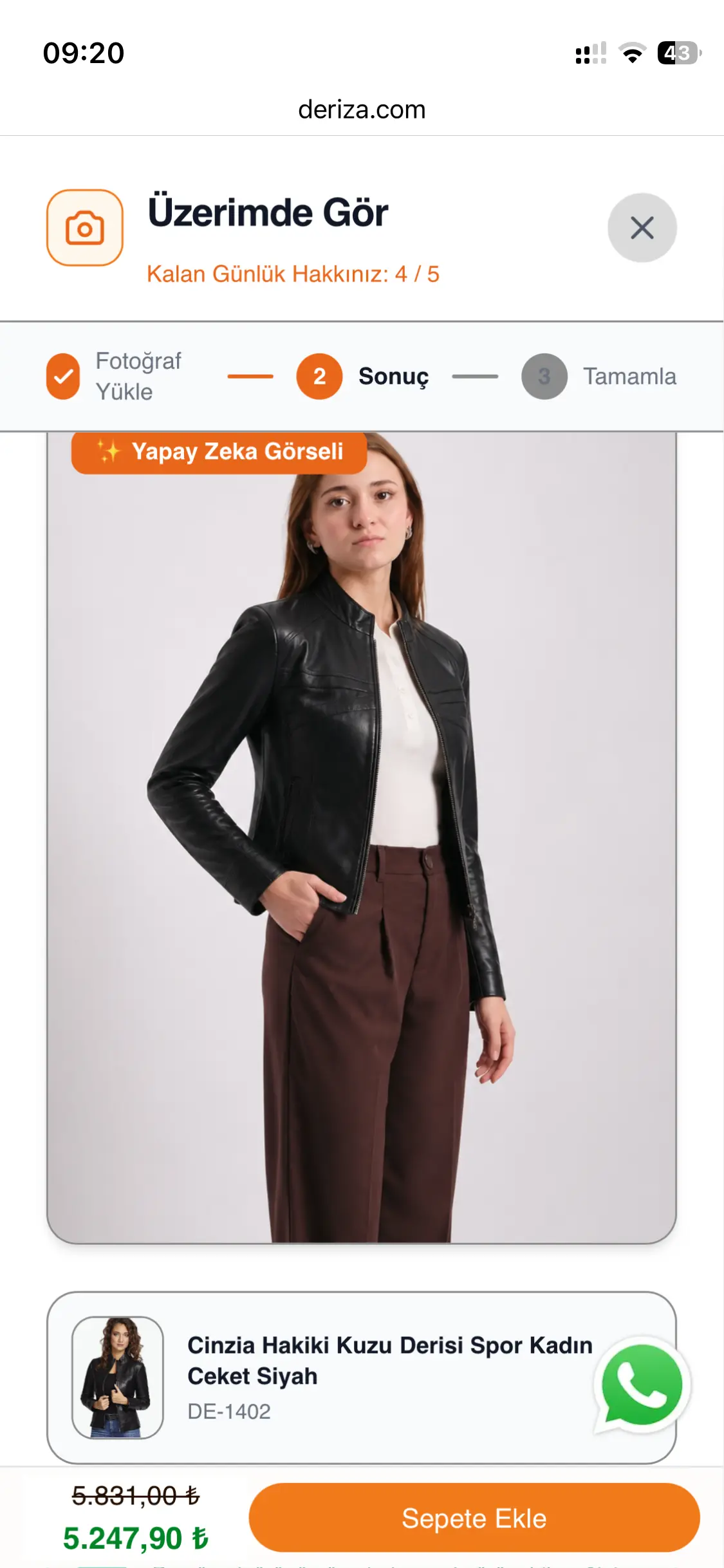
The AI Image label on the result screen indicates that the image is AI-generated rather than a photograph of a physical fitting.
Before and After: A Try It On Example
The easiest way to understand what Try It On does is to compare the original photo with the AI-generated result.
What Is Try It On Designed For?
Try It On can help you explore visual questions such as:
- Does this leather jacket style suit my overall look?
- How might a black leather jacket look on me?
- Do I prefer the general appearance of a shorter or longer style?
- If different colors are supported, which one do I visually prefer?
Its primary purpose is to provide a visual preview of style and general appearance.
It does not calculate your body measurements, and you should not select a size based solely on the generated image.
What Is the Difference Between Try It On and Find My Size?
Deriza Try It On and Find My Size can complement each other, but they perform different tasks.
| Feature | Try It On | Find My Size |
|---|---|---|
| Main purpose | Visual preview | Size recommendation |
| Photo | Required | Not required |
| User information | Photo | Height, weight, chest and waist measurements |
| Product data | Selected product/model | Actual physical garment measurements |
| Result | AI-generated visualization | Recommended size |
| Real fitting? | No | No |
| Guaranteed fit? | No | No |
Choose a product → Preview its general appearance with Try It On → Review the size recommendation with Find My Size → Make your decision together with the product-specific size chart and measurements
What Does Try It On Not Show?
An AI-generated visualization may look realistic, but it is not a physical fitting.
The image should therefore not be used to determine with certainty:
- your exact product size,
- whether the shoulders will physically fit perfectly,
- actual looseness or tightness around the chest or waist,
- exact sleeve length,
- the product's exact length on your body,
- fit and movement when sitting or moving.
Try It On is best understood as a tool designed to help answer:
“What might the overall style of this product look like on me?”
Is There a Daily Usage Limit?
Your current usage allowance is displayed within the Try It On interface.
Because usage limits and system conditions may change over time, refer to the current allowance shown in the tool rather than relying on a fixed number.
Which Deriza Products Support Try It On?
Try It On can be used on supported product pages where the feature has been activated.
When browsing leather jackets, leather coats and other leather garments, check the individual product page to see whether the Try It On option is available.
If the Try It On option does not appear on a product page, the feature may not currently be available for that product.
Frequently Asked Questions About Try It On
What is Deriza Try It On?
It is an AI-powered feature that lets you visualize supported products on your own photo.
Is Try It On a real fitting?
No. The result is an AI-generated image, not the result of physically trying on the product.
Does Try It On determine my correct size?
No. Try It On is designed for style and visual appearance. For a size recommendation, use Find My Size.
What kind of photo should I use?
A front-facing, well-lit photo with your upper body clearly visible and your arms not significantly covering your torso can help produce a clearer visualization.
Will the product look exactly like the AI result when I wear it?
No. The image is a visual preview. Actual fit, length, looseness, tightness and physical appearance may differ.
Are Try It On and Find My Size the same feature?
No. Try It On visualizes the product's general appearance on your photo, while Find My Size evaluates actual garment measurements together with the information you provide to suggest a size.
Can I use Try It On with every Deriza product?
No. It is available only on supported products where the Try It On option is active.